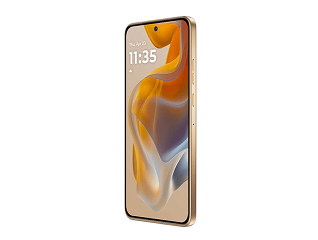
Taking a screenshot on your vivo Y53 is one of the easiest ways to save and share what is on your screen — whether it is a chat message, a payment confirmation, a recipe, or an interesting article. Instead of typing out details or remembering them, you can capture the entire screen in a single tap or gesture and keep it ready for later use.
The vivo Y53 runs on Funtouch OS, which offers more than one way to take a screenshot. You can use the hardware buttons, a simple finger gesture, the built-in Super Screenshot tool, or even a voice command. This guide walks you through every method step by step, so you can pick the one that suits you best.
Looking to upgrade to a newer vivo phone? You do not have to pay the full amount at once. You may qualify for a pre-approved loan from Bajaj Finance and buy your desired device on Easy EMIs. Check your loan eligibility and shop from over 1 million products at 1.5 lakh+ partner stores across 4,000+ cities, with repayment options from 3 months to 60 months.