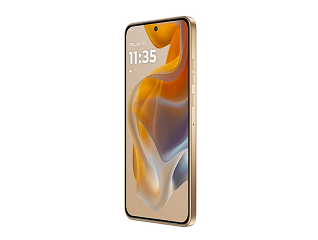
Removing a Google account from a vivo phone is a simple process, but it is important to understand its effects before proceeding. Many users remove a Google account when selling their phone, switching to another account, troubleshooting sync issues, or preparing for a factory reset. A Google account is linked to several services on your device, including Gmail, Google Drive, Contacts, Photos, Play Store, and device backup. Once the account is removed, access to these services on that phone will stop unless you sign in again. However, removing the account from the device does not delete the account itself.
Before removing the account, it is a good idea to check that important data is backed up and that you remember your account credentials. This can help you avoid login issues later. In this guide, we explain what you should do before removing a Google account from your vivo phone, what changes afterward, and how to fix common problems you may encounter during the process. If you are planning to buy a new phone, you can easily explore your options in-store at over 1.5 lakh+ Bajaj Finance partner stores across 4,000+ cities. Check your loan eligibility and enjoy Easy EMI options with flexible financing. You may also benefit from zero down payment on select models.