





Learning how to root Android devices can help you unlock more features and customise your phone beyond the standard options. Rooting gives you more control but also comes with some risks. The process usually involves unlocking the bootloader, installing a custom recovery, and flashing root files. Each device may have a different method, so it is important to follow the right steps carefully. Always back up your data before starting. Rooting can void your warranty, so understand the risks and benefits clearly. With the right tools and guidance, rooting your Android device can be a simple process.
While rooting can extend the life of your current device, sometimes upgrading to a new smartphone is a better choice. You can buy smartphones on Easy EMIs from Bajaj Finance and enjoy exclusive discounts. Visit any of Bajaj Finance’s 1.5 lakh partner stores in over 4,000 cities, choose the model, and use the Easy EMI Loan of up to Rs. 5 lakh. Convert the price into Easy EMIs, enjoy zero down payment on select models. Check your loan eligibility online now.



Comparison

FAQs

Smart Savings Calculator
Get pre-approved loan offer
Quick approval | Flexible Tenure Options | Zero Approval Fees
Introduction to Android rooting
Rooting an Android device means gaining full control over it. When you buy a new phone, many of its settings and features are locked by the manufacturer. Rooting removes those restrictions, giving you access to deeper parts of the system. It is like having administrator rights on a computer. Once rooted, you can customise your phone, delete unwanted apps, install special apps that need more permissions, and even improve performance.
However, rooting is not for everyone. It can be a bit tricky if you have never done it before. There are some risks too. Rooting may void your warranty, and if something goes wrong during the process, it could damage your phone. That is why it is important to follow a trusted guide and make sure you understand each step.
Many people root their phones to breathe new life into old devices, make them faster, or remove ads from apps. Others do it just to have complete control over how their phone works. Whether you are curious about getting more out of your phone or planning to try it yourself, rooting can open up a world of possibilities.


Methods to Root an Android Device
You can root an Android device in several ways, depending on your phone's model, brand, and Android version. Let us go through the most common methods.
1. Use rooting apps
Some apps make rooting very simple. Apps like KingRoot, One Click Root, and Framaroot let you root your device without using a computer. You only need to install the app, follow the instructions on the screen, and complete the rooting. These apps usually work better on older Android versions. Always download such apps from trusted sources to stay safe.
2. Use a PC and rooting software
Many people root their phones using a computer, especially when dealing with newer devices. Programs like Dr.Fone Root, iRoot, and KingoRoot for PC guide you through the process. You connect your phone to the computer with a USB cable, turn on USB debugging from the developer options, and follow the program’s steps. This method offers a higher success rate.
3. Flash a custom recovery
Another method involves installing a custom recovery tool like TWRP (Team Win Recovery Project). Once you flash a custom recovery, you can install a root file such as Magisk or SuperSU. This method gives you more control but needs a little more technical knowledge. Many advanced users prefer this option for full customization.
Important note: Always back up your important data before you start. Rooting carries risks, so make sure you understand the steps clearly.
Pick the method that matches your comfort level and your device’s needs. Start with the simpler options if you are new to rooting.
Common issues and troubleshooting after rooting
Rooting an Android device unlocks many features, but it can also create some problems. If you know the common issues and how to fix them, you can avoid most troubles and enjoy your rooted phone.
Device stuck on boot logo or boot loop
Sometimes, after rooting, the device gets stuck on the boot logo or keeps restarting. This usually happens when the rooting process does not complete properly or you flash the wrong file. To fix this, boot your device into recovery mode and perform a factory reset. If that fails, flash the official firmware again to restore your phone.
Lost warranty and blocked software updates
Manufacturers often void the warranty when you root a device. You might also stop receiving automatic software updates. You can solve this by unrooting your device temporarily. Tools like Magisk let you hide the root status so you can install updates without any trouble.
Apps crashing or refusing to open
Some apps, especially banking and payment apps, do not work on rooted devices. You can bypass this problem by using Magisk Hide, which tricks apps into thinking your device is not rooted.
Fast battery drain
After rooting, you might notice your battery draining faster than usual. Installing heavy custom ROMs or tweaks can cause this. You can manage it by uninstalling unnecessary apps, recalibrating your battery, and using battery optimization tools made for rooted devices.
Bricked device
In rare cases, a failed root can brick the device, making it unresponsive. You can often bring it back to life by flashing the original firmware using your manufacturer's official tool.
Shop smart with Easy EMIs
Bajaj Finance puts you in control of your shopping. See if you are eligible for a loan and get instant approval in just a few steps. Once approved, go to any of 1.5 lakh partner stores across India. Pick from over 1 million products from 550+ leading brands. Pay in Easy EMIs with 50+ flexible options that fit your budget. Enjoy a fast, seamless, and stress-free shopping experience—with more freedom and more savings.
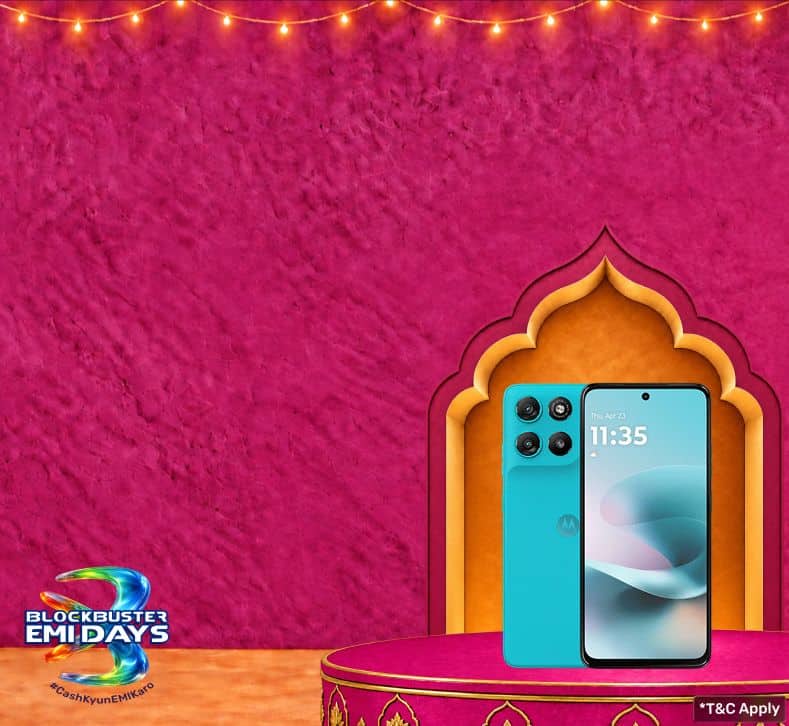
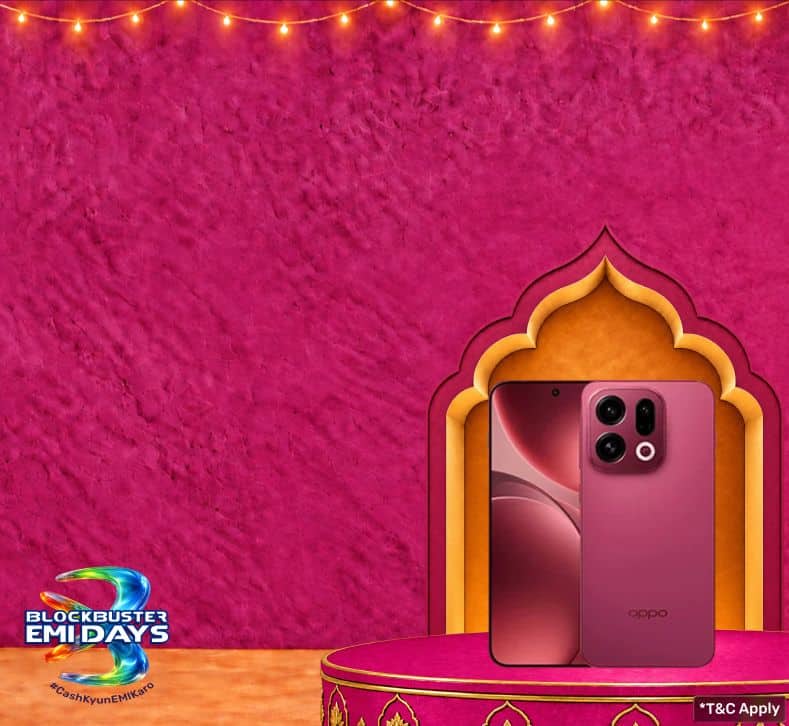
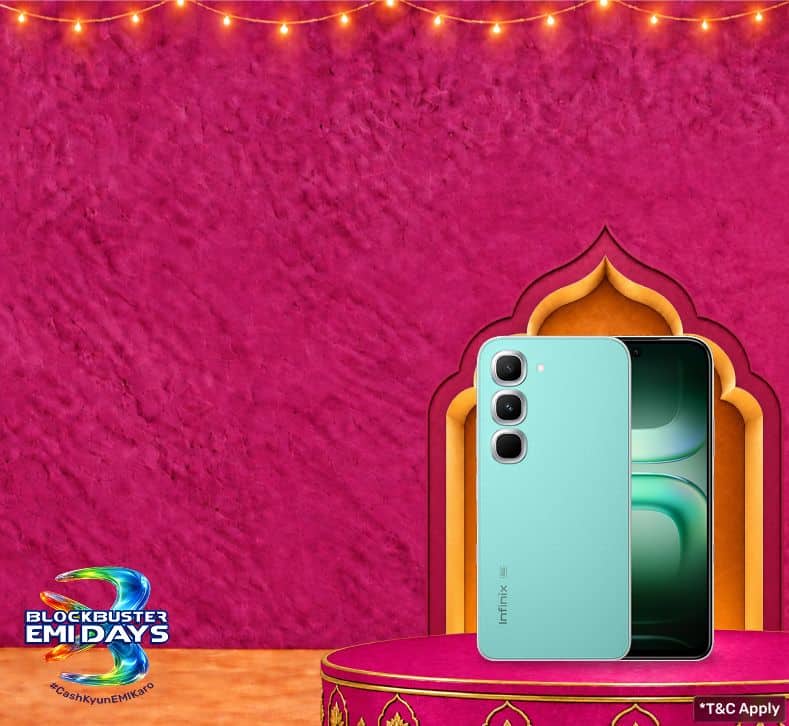
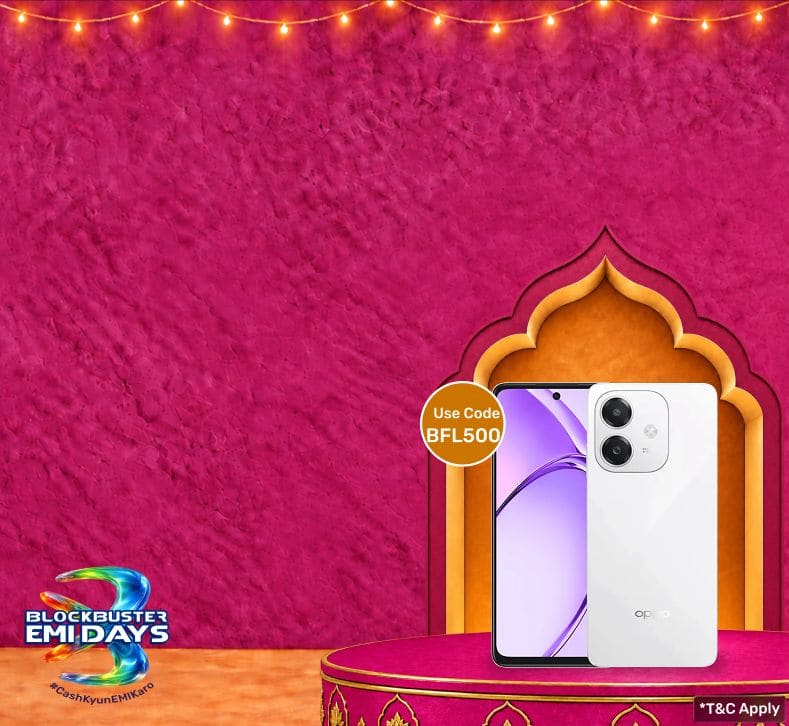
New release in mobile phones


Save more with Smart Savings Calculator
Get smartphones, tablets and laptops on Easy EMIs with Bajaj Finance
Bringing home your preferred smartphones, tablets and laptops is now hassle-free with Bajaj Finance's flexible financing options. Follow these steps to get started:
- Explore products on Bajaj Mall: Browse through a wide selection of models on Bajaj Mall. Compare features to find a model that meets your needs.
- Visit a partner store: Once you shortlist a model, step into any of Bajaj Finance’s 1.5 lakh partner stores across 4,000 cities in India. See the product in person, talk to experts, and make a confident decision.
- Choose the Easy EMI Loan option: At checkout, select the Bajaj Finance Easy EMI Loan. Avail financing of up to Rs. 5 lakh and split the cost into convenient monthly instalments. Some products also come with a zero down payment option.
- Check your loan eligibility online: Plan better by checking your loan eligibility in minutes. Simply enter your mobile number and OTP to know your pre-approved limit.
- Use the Insta EMI Card for purchases up to Rs. 3 lakh: Already own the Bajaj Finance Insta EMI Card? Use it for instant, paperless checkout and convert your purchases of up to Rs. 3 lakh into Easy EMIs

vivo Y19
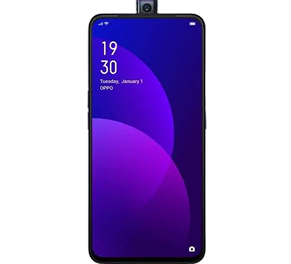
OPPO F11 Pro 128 GB

Samsung Galaxy Z Fold 7
Explore other smartphones
Why use the Smart Savings Calculator
Bajaj Finance’s Smart Savings Calculator helps you unlock maximum savings every time you shop at partner stores. It brings together all available brand, dealer, and scheme offers—so you can see your total savings instantly and shop smarter with Easy EMIs.
1. Dealer offers - Grab exclusive in-store deals at over 1.5 lakh partner stores across India. Enjoy local discounts and special prices you will not find online.
2. Brand offers - Access limited-time discounts from top brands across electronics, appliances, and more. Discover brand-specific savings selected just for you.
3. Bajaj offers - Unlock exclusive Bajaj Finance deals on popular products—available only to our customers. More rewards, more value.
4. Scheme offers - Take advantage of time-sensitive offers on select EMI schemes. Get extra benefits after paying just 3 EMIs—visible during EMI selection at checkout.
Calculate your extra savings today!
Get the best offers near you








Related videos

VIVO Y56 Perfect for Daily Smart Use

VIVO X200 Storage King, Feature Loaded

OPPO A58 – Smart Performer for Daily Life

TECNO Phantom V Flip – Flip & Flex in Style

Why ONEPLUS 13R 5G Is Worth It!

Samsung Galaxy A34 Reliable Smart Choice

Oppo Reno – Style Meets Performance

Realme 13 Plus - 5G Speed, Value Packed

VIVO V40 - Premium Power, Daily Ready
FAQs
EMI
General
Yes, you can easily upgrade to a new smartphone with Bajaj Finance's Easy EMI options. Whether you already have the Insta EMI Card or are new to it, here is how you can get started:
If you have the Bajaj Finance Insta EMI Card:
- Explore smartphones on Bajaj Mall: Choose from top brands offering models with powerful processors, high-resolution cameras, and long-lasting batteries.
- Visit a partner store: Check out the latest phones in person at any of 1.5 lakh partner stores across 4,000 cities.
- Use your Insta EMI Card at checkout: Convert the total cost into Easy EMIs that fit your monthly budget.
- Zero down payment on select models: Bring home your smartphone without paying anything upfront.
If you do not have an Insta EMI Card:
Check your Insta EMI Card eligibility online using your mobile number and OTP. If eligible, you can apply instantly and start shopping for your favourite smartphone easily and affordably.
Rooting an Android device can be safe if done carefully, but it also comes with risks. It may void your warranty, expose your phone to security threats, or cause system errors. Make sure to follow trusted guides and understand the process well before rooting your device to avoid potential problems.
Yes, you can unroot your device after rooting it. There are several methods to unroot, such as using apps like SuperSU or by flashing the original firmware. Unrooting restores your device to its original state, which can help with warranty claims or receiving official software updates again.
Rooting an Android phone comes with several risks. It can void your warranty, cause security vulnerabilities, and lead to system instability. You might also lose access to certain apps or features, and there is a chance of permanently damaging the device if the rooting process goes wrong.
Instead of rooting, you can upgrade to a new mobile phone. Shop for latest mobile phones using the Bajaj Finance Insta EMI Card. Simply check your eligibility for the card in just a few clicks and enjoy the freedom to split the cost into affordable EMIs.
More articles



Explore more on mobile phones
5G mobiles by budget
Mobile by budget
Mobile by features
5G mobiles by brand
Mobile by brands
Disclaimer
While care is taken to update the information, products, and services included in or available on our website and related platforms/websites, there may be inadvertent inaccuracies or typographical errors or delays in updating the information. The material contained in this site, and on associated web pages, is for reference and general information purpose and the details mentioned in the respective product/service document shall prevail in case of any inconsistency. Subscribers and users should seek professional advice before acting on the basis of the information contained herein. Please take an informed decision with respect to any product or service after going through the relevant product/service document and applicable terms and conditions. In case any inconsistencies observed, please click on reach us.
*Terms and conditions apply