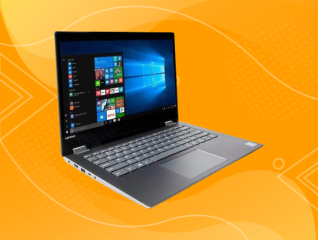
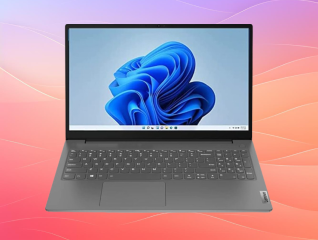
The Lenovo IdeaPad 3 is mainly searched for its processor, storage and display combination. These specifications determine how comfortably you can use it for study, office work, browsing and entertainment.
Does the Lenovo IdeaPad 3 offer enough storage for everyday use?
Yes. The Lenovo IdeaPad 3 provides 512GB SSD storage, giving you space for documents, presentations, applications, photographs and other everyday files. The NVMe PCIe Gen4 interface also supports faster data access than older hard-disk storage.
For a student, this can cover coursework and application files without immediately needing an external drive. For office users, it provides practical space for documents and work files. If you regularly store large video collections, you may eventually need external storage.
Is the Lenovo IdeaPad 3 suitable for everyday multitasking?
The Lenovo IdeaPad 3 uses the 12th Gen Intel Core i3-1215U with 6 cores, 8 threads and up to 4.4 GHz turbo speed. This combination is suited to common tasks such as web browsing, Microsoft Office applications, video calls and document work.
The 8GB DDR4 RAM supports everyday multitasking. The memory can be expanded to 16GB according to the documented configuration, which gives you additional headroom if your workload grows.
Is the Lenovo IdeaPad 3 display suitable for study and office work?
The Lenovo IdeaPad 3 has a 15.6-inch FHD display with 1920 x 1080 pixel resolution and 250 nits brightness. The large screen gives you more working space for spreadsheets, documents and browser windows.
The anti-glare coating can help reduce reflections in indoor environments. The 60Hz refresh rate is suitable for normal office work, study and video playback, while the TN panel is a consideration if you often view the screen from different angles.