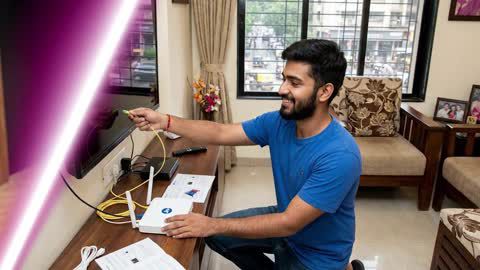
Connecting JioFiber to a TV is a straightforward process that can be completed in 6 simple steps and usually takes around 10–15 minutes. Once the setup is complete, a stable internet connection and the correct TV settings help deliver smooth streaming, better picture quality, and uninterrupted access to entertainment apps.
- Check that the TV, JioFiber set-top box, or streaming device is compatible before starting the installation.
- Connect the JioFiber set-top box or streaming device to the TV using an HDMI cable and select the correct input source.
- Ensure the JioFiber internet connection is active and stable to avoid interruptions during setup and streaming.
- Complete the on-screen installation by signing in to the required apps and adjusting the display and audio settings if needed.
- Restart the TV, JioFiber set-top box, or router if connectivity or playback issues occur after installation.
- Keep the JioFiber software and TV firmware updated to improve performance, maintain compatibility with streaming apps, and access the latest features.
You can also buy a new TV on Easy EMIs at over 1.5 lakh partner stores across 4,000 cities, including Reliance Digital, Croma, and Vijay Sales.