Published Feb 16, 2026 4 Min Read

  1. Watch T20 World Cup live on mobile phone
  2. How to watch T20 World Cup Live on Android and iOS in India
  3. How to watch T20 World Cup on Android and iOS outside India
  4. Shop smart with Easy EMIs
  5. Why use the Maha Bachat Savings Calculator

Watch T20 World Cup live on mobile phone

Watching the T20 World Cup live on your mobile phone is easy with official streaming platforms. In India, fans can stream matches on Android and iPhone using the JioHotstar app (formerly Disney+ Hotstar). Simply download the app from the Google Play Store or Apple App Store and sign in. A valid subscription or an eligible telecom plan may be required. The platform offers HD live streaming, multiple language commentary, match highlights, and real time updates. A stable internet connection ensures smooth viewing, while app notifications help you stay updated with match alerts and key moments.


For viewers outside India, live streaming is available through official regional broadcasters or ICC.tv, depending on your location. You can download the ICC.tv app or access the platform through your mobile browser to check availability. In many countries, services such as Sky Sports, Willow TV, or ESPN provide live coverage with a subscription. These official platforms deliver reliable streaming quality, along with replays, highlights, and expert analysis for uninterrupted tournament coverage.


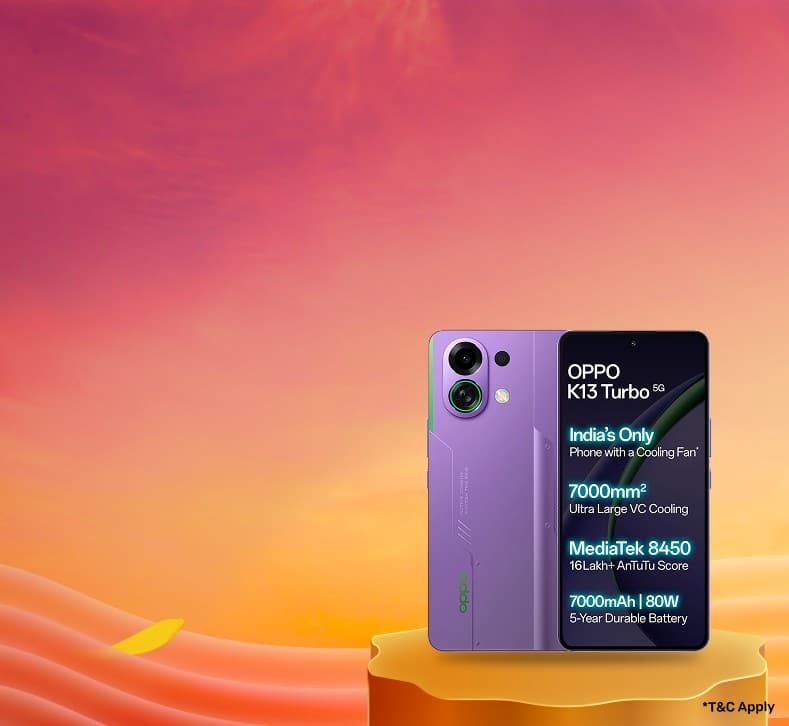
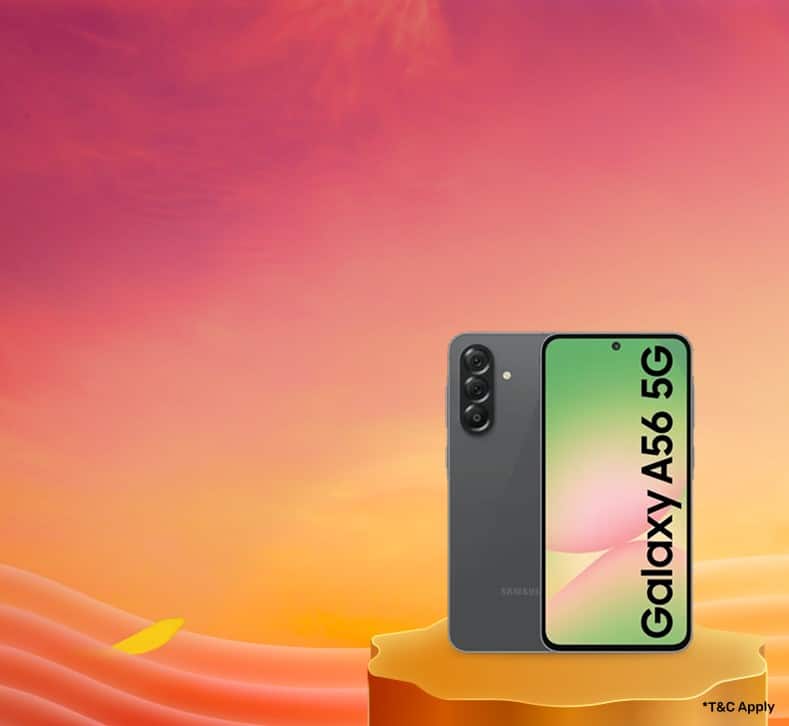
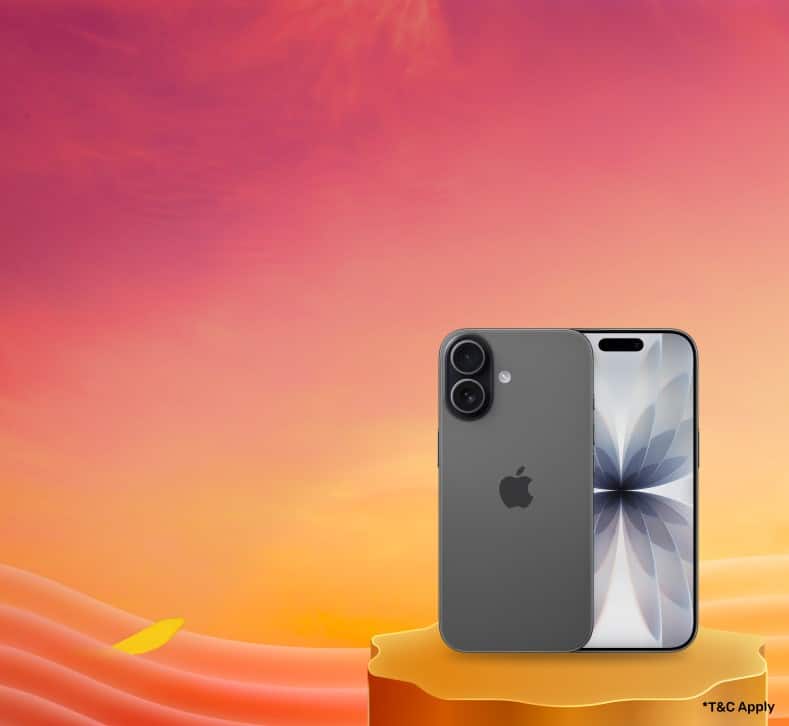
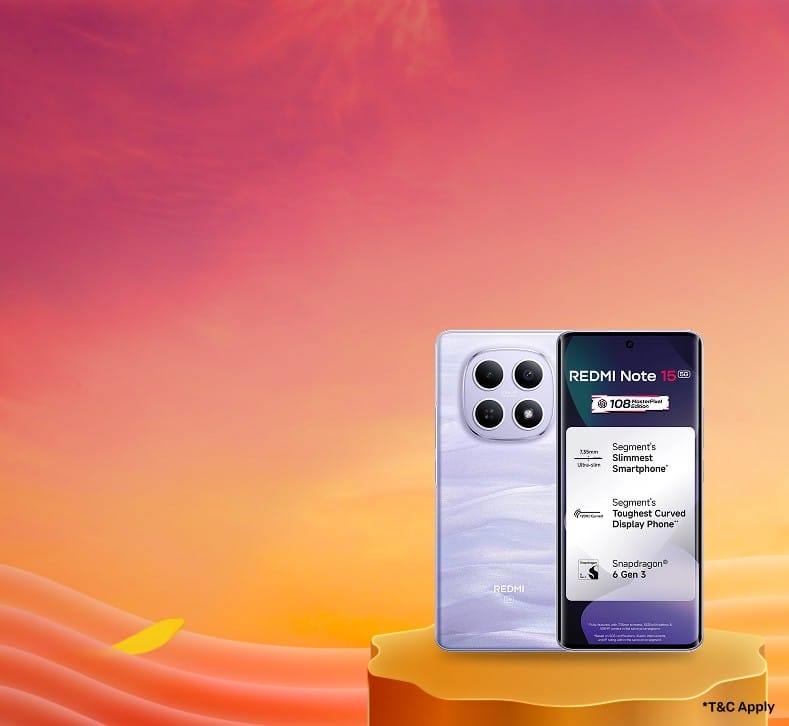
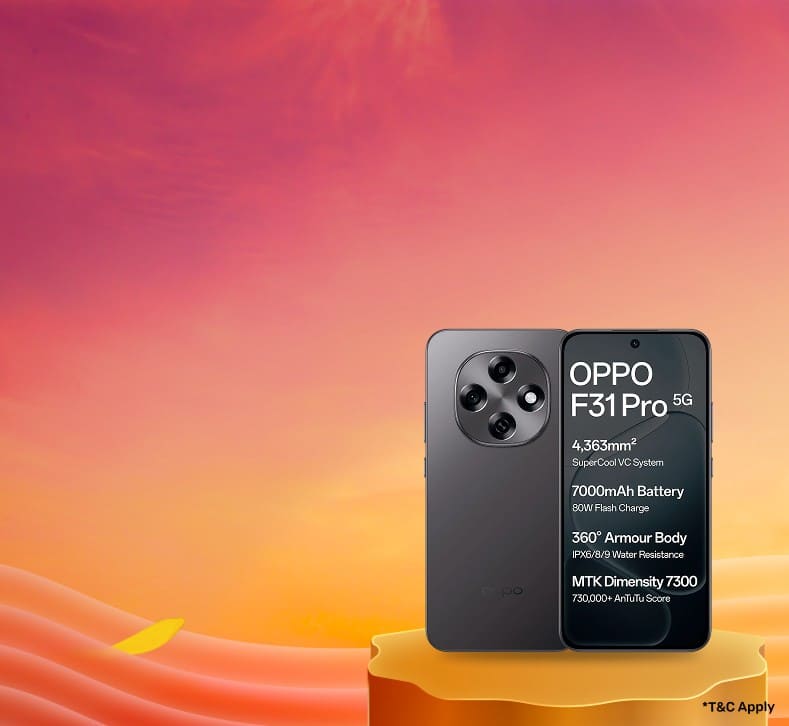
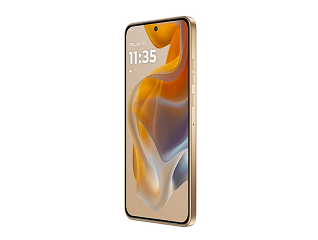
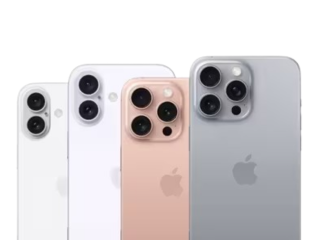
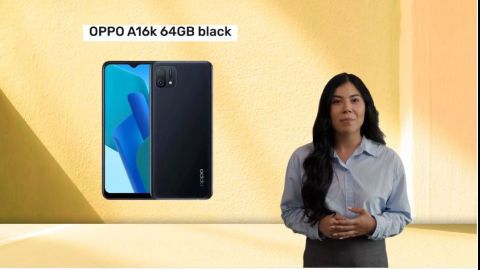
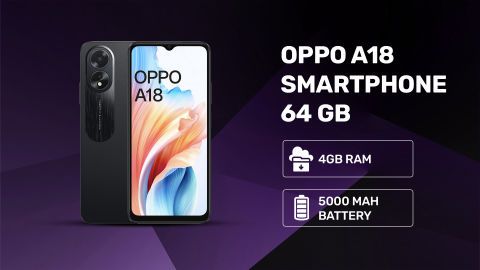
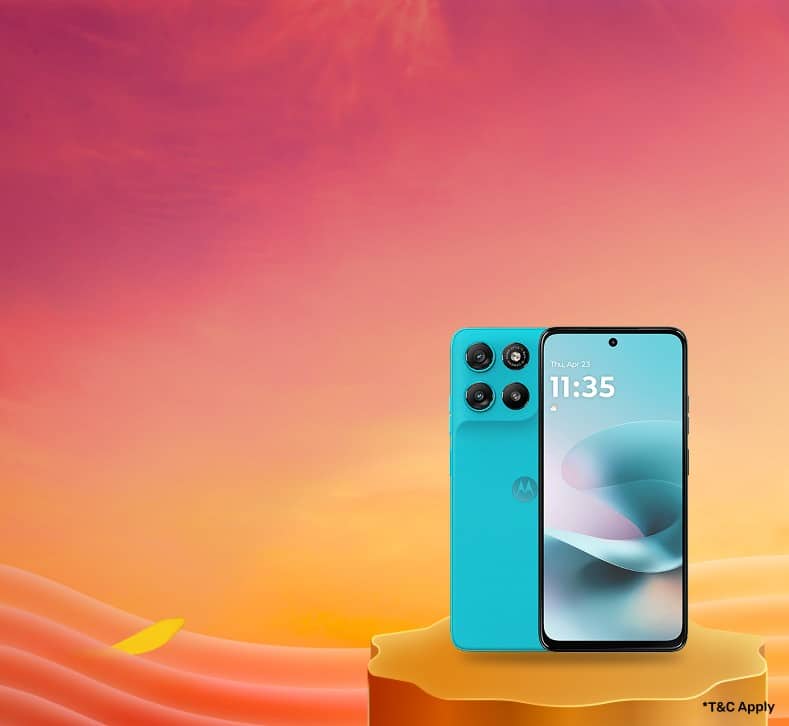
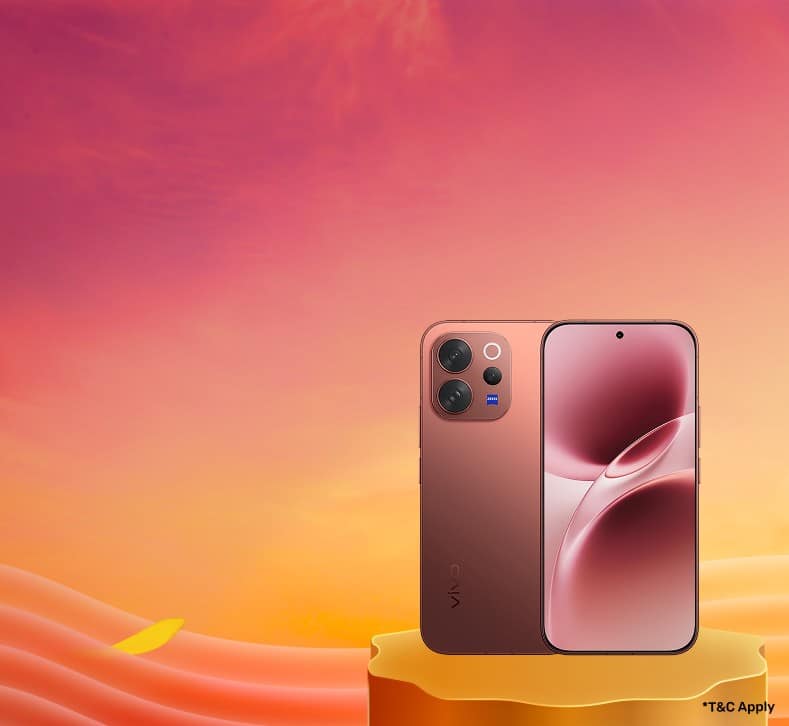
Explore the latest offers on smartphones from Bajaj Finserv and grab the best deals for a premium shopping experience.
Official streaming rights for ICC T20 World Cup 2026

Catch every moment of the ICC T20 World Cup 2026 through official global broadcasters and digital platforms. Authorised streaming partners ensure reliable access, superior video quality, and uninterrupted coverage across regions, helping fans enjoy live matches safely and conveniently on television and mobile devices worldwide.


Global broadcast and digital partners


  • India: JioHotstar and Star Sports
  • UK: Sky Sports
  • USA and Canada: Willow TV
  • Australia: Fox Sports
  • Africa: SuperSport
  • Select regions: ICC.tv (where available)

Why you should use official apps


  • HD and stable live streaming
  • Multiple language commentary options
  • Match highlights and replays
  • Real time scores and updates
  • Secure access with no piracy risks
  • No sudden stream interruptions

How to watch T20 World Cup Live on Android and iOS in India

Watching the T20 World Cup live on your smartphone is simple and convenient for cricket fans in India. Whether you use Android or iPhone, official streaming apps and telecom bundles make it easy to enjoy every match on the go. You can access live action, highlights, and regional commentary anytime with a stable internet connection.


Method 1 – JioHotstar app (Android and iOS)


The easiest way to watch the T20 World Cup live is through the JioHotstar app.


  • Install JioHotstar from the Google Play Store or Apple App Store
  • Open the app and log in using your mobile number or email
  • Choose and activate a suitable subscription plan, if required
  • Go to the Sports section and tap the live T20 World Cup match


Method 2 – Airtel Xstream and other telecom bundles (Android and iOS)


Eligible telecom plans may include bundled access to streaming services.


  • Recharge your Airtel or partner SIM with a qualifying plan
  • Download and log in to the Airtel Xstream app
  • Access the included streaming benefit or open the linked JioHotstar platform
  • Select the live T20 World Cup match to start watching


Method 3 – Watching in Indian languages on mobile


Fans can enjoy matches in multiple regional languages on mobile.


  • Open the live match in the streaming app
  • Tap the audio or settings icon on the player
  • Select your preferred commentary language
  • Continue watching with your chosen language on Android or iPhone

How to watch T20 World Cup on Android and iOS outside India

Watching the T20 World Cup outside India on your smartphone is easy through official regional broadcasters and ICC platforms. Whether you use Android or iPhone, live matches, highlights, and expert coverage are available through authorised apps based on your location and subscription access.


Region-wise official apps for Android and iPhone


Live streaming availability depends on your country, as broadcasting rights vary by region.


  • USA and Canada: Dedicated cricket streaming or sports network apps
  • UK and Ireland: Official sports broadcaster apps with live TV access
  • Australia and New Zealand: Sports network streaming apps or TV partner platforms
  • Middle East and North Africa: Regional sports channel apps with subscription support
  • Other regions: Local TV network apps or digital sports platforms based on official rights

Always download apps from the Google Play Store or Apple App Store and sign in with an active subscription to watch matches live.


Using ICC.tv and ICC app on Android and iOS


In regions without a local broadcast partner, ICC provides official streaming access.


  • Visit ICC.tv or download the ICC app from the Play Store or App Store
  • Create a free account and sign in
  • Select your country or territory to check streaming availability
  • Access live matches, highlights, and tournament content where supported


Watching while travelling (existing subscriptions and VPN)


If you are travelling, you may still access your home subscription depending on provider policies.


  • Log in to your existing sports streaming app linked to your subscription
  • Some platforms allow access internationally for a limited period
  • If content is restricted, users may rely on secure network tools, subject to service terms
  • Always follow the platform’s usage policies to ensure uninterrupted and compliant viewing

Free and Low‑cost ways to watch on Mobile (Legally)

Watching the T20 World Cup on mobile does not always require a full subscription. Many platforms offer free access in select regions, bundled telecom benefits, or limited time trials. These legal options help fans enjoy live matches on Android and iPhone without high streaming costs.


Free streaming on ICC.tv in eligible countries (Android and iOS)


  • Available in regions where no exclusive broadcaster holds digital rights
  • Visit ICC.tv or download the ICC app from the Play Store or App Store
  • Create a free account and check match availability in your country
  • Watch live matches, highlights, and replays where free streaming is supported

Bundled OTT offers from telecom operators


  • Some mobile operators include sports or OTT access with eligible recharge plans
  • Benefits may include live sports streaming or access to partner apps
  • Activate the plan, log in using your mobile number, and start watching
  • Offers vary by country and operator, so check plan details before recharging

Legitimate free trials and intro offers in streaming apps


  • Many official sports apps provide limited period free trials for new users
  • Sign up and activate the trial to access live T20 World Cup matches
  • Some platforms offer discounted introductory plans during major tournaments
  • Cancel or upgrade before the trial ends, based on your viewing needs

Step‑by‑step: Set up your Android or iPhone for live T20 streaming

Getting your smartphone ready before the match ensures a smooth and uninterrupted viewing experience. A few quick checks on your Android or iPhone can help you avoid buffering, app issues, or unexpected interruptions while streaming live T20 action on mobile.
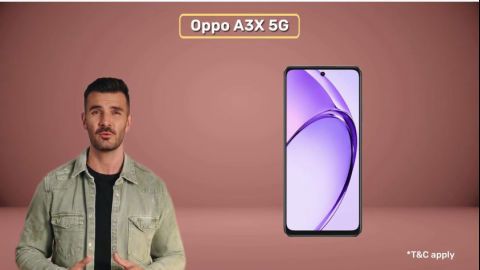

Check device and OS compatibility (Android and iOS versions)


  • Ensure your phone runs a supported Android or iOS version (generally Android 7.0 or later, iOS 12 or later)
  • Update your operating system to the latest available version
  • Keep sufficient storage space for app installation and smooth performance
  • Close background apps to improve streaming stability

Install the official streaming app from Play Store or App Store


  • Open the Google Play Store or Apple App Store
  • Search for the official broadcaster or ICC streaming app for your region
  • Download and install the app from the verified publisher
  • Sign in or create an account and activate your subscription or eligible plan

Data and Wi-Fi requirements for smooth streaming on mobile


  • Use a stable Wi-Fi connection whenever possible for uninterrupted viewing
  • For mobile data, a 4G or 5G network is recommended
  • HD streaming may consume around 1 to 2 GB per match
  • Lower the video quality in app settings if you experience buffering or want to save data

Best settings for watching Cricket on mobile

Watching cricket on mobile becomes more enjoyable when you optimise the app settings for better clarity, lower data usage, and personalised viewing. Most official Android and iOS streaming apps offer simple controls to enhance video quality, language options, and interactive match features.


Adjust video quality and data saver on Android and iOS apps


  • Open the video player settings during a live match
  • Select video quality based on your internet speed (Auto, HD, or Low)
  • Use Data Saver or Mobile Data mode to reduce data consumption
  • Choose Auto mode for smooth playback if network speed fluctuates

Enabling commentary language and subtitles on mobile


  • Tap the audio or language icon on the video player
  • Select your preferred commentary language from available options
  • Some platforms offer regional languages for a personalised experience
  • Enable subtitles or on-screen text where supported

Using multi-cam, vertical feed and score overlays on phones


  • Switch between camera angles using the Multi-Cam option, if available
  • Use vertical or mobile-optimised feed for comfortable one-hand viewing
  • Turn on live score overlays for real time match information
  • Access quick highlights, player stats, and key moments directly within the player

Troubleshooting – If T20 World Cup stream won’t play on your phone

Streaming issues during a live match can be frustrating, but most problems can be fixed quickly with a few simple checks. Whether you use Android or iPhone, these troubleshooting steps can help restore smooth T20 World Cup streaming on your mobile.


Fixing buffering and lag (Android and iOS)


  • Switch between Wi-Fi and mobile data to find a more stable connection
  • Reduce video quality from HD to Auto or Low inside the player settings
  • Close background apps to free up memory and improve performance
  • Restart your phone to refresh network and system processes

Login, subscription or region errors in mobile apps


  • Confirm that your subscription or telecom benefit is active
  • Log out and log back into the app using the registered account
  • Check if the service is available in your current location
  • Disable any network tools that may affect region detection

App crashes or black screen on Android and iPhone


  • Update the streaming app to the latest version from the Play Store or App Store
  • On Android, clear app cache and data from App Settings
  • Reinstall the app if the issue continues
  • Update your phone’s operating system to ensure compatibility and stable performance

Safety and legal tips for streaming Cricket on mobile

Streaming cricket on mobile is safest and most reliable when you use authorised platforms. Official apps protect your data, ensure stable video quality, and provide uninterrupted access to live matches, highlights, and updates without legal or security risks.


Risks of unofficial streaming sites and APKs


  • Unauthorised websites and APK files may contain malware or spyware
  • Poor video quality, frequent buffering, and sudden stream shutdowns are common
  • Pop ups and hidden downloads can compromise your personal data
  • Using pirated streams may violate copyright laws and platform policies

How to verify official Android and iOS apps


  • Download apps only from the Google Play Store or Apple App Store
  • Check the developer name to confirm it matches the official broadcaster or platform
  • Look for high ratings, genuine reviews, and large download counts
  • Avoid installing apps from unknown websites or third party app stores

Shop smart with Easy EMIs

Bajaj Finserv puts you in control of your shopping. See if you are eligible for a loan and get instant approval in just a few steps. Once approved, go to any of 1.5 lakh+ partner stores across India. Pick from over 1 million products from 550+ leading brands. Pay in Easy EMIs with 50+ flexible options that fit your budget. Enjoy a fast, seamless, and stress-free shopping experience—with more freedom and more savings.

Why use the Maha Bachat Savings Calculator

Bajaj Finserv’s Maha Bachat Savings Calculator helps you unlock maximum savings every time you shop at partner stores. It brings together all available brand, dealer, and scheme offers—so you can see your total savings instantly and shop smarter with Easy EMIs.
 

  1. Dealer offers - Grab exclusive in-store deals at over 1.5 lakh partner stores across India. Enjoy local discounts and special prices you will not find online.
  2. Brand offers - Access limited-time discounts from top brands across electronics, appliances, and more. Discover brand-specific savings selected just for you.
  3. Bajaj offers - Unlock exclusive Bajaj Finserv deals on popular products—available only to our customers. More rewards, more value.
  4. Scheme offers - Take advantage of time-sensitive offers on select EMI schemes. Get extra benefits after paying just 3 EMIs—visible during EMI selection at checkout.


Calculate your extra savings now!


Frequently asked questions

How can I watch ICC T20 World Cup live on Android in India?

Download the official JioHotstar app from the Google Play Store, sign in with your mobile number, activate a valid plan if required, and stream live matches in HD with highlights and updates. 

How can I watch ICC T20 World Cup live on iPhone in India?
Is there any way to watch T20 World Cup free on mobile?
How much data does one T20 match use on Android/iOS?
Can I watch T20 World Cup on mobile while travelling abroad?
Show More Show Less

Bajaj Finserv app for all your financial needs and goals

Trusted by 50 million+ customers in India, Bajaj Finserv App is a one-stop solution for all your financial needs and goals.

You can use the Bajaj Finserv App to:

  • Apply for loans online, such as Instant Personal Loan, Home Loan, Business Loan, Gold Loan, and more.
  • Invest in fixed deposits and mutual funds on the app.
  • Choose from multiple insurance for your health, motor and even pocket insurance, from various insurance providers.
  • Pay and manage your bills and recharges using the BBPS platform. Use Bajaj Pay and Bajaj Wallet for quick and simple money transfers and transactions.
  • Apply for Insta EMI Card and get a pre-qualified limit on the app. Explore over 1 million products on the app that can be purchased from a partner store on Easy EMIs.
  • Shop from over 100+ brand partners that offer a diverse range of products and services.
  • Use specialised tools like EMI calculators, SIP Calculators
  • Check your credit score, download loan statements and even get quick customer support—all on the app.

Download the Bajaj Finserv App today and experience the convenience of managing your finances on one app.

Disclaimer

1. Bajaj Finance Limited (“BFL”) is a Non-Banking Finance Company (NBFC) and Prepaid Payment Instrument Issuer offering financial services viz., loans, deposits, Bajaj Pay Wallet, Bajaj Pay UPI, bill payments and third-party wealth management products. The details mentioned in the respective product/ service document shall prevail in case of any inconsistency with respect to the information referring to BFL products and services on this page. 

2. All other information, such as, the images, facts, statistics etc. (“information”) that are in addition to the details mentioned in the BFL’s product/ service document and which are being displayed on this page only depicts the summary of the information sourced from the public domain. The said information is neither owned by BFL nor it is to the exclusive knowledge of BFL. There may be inadvertent inaccuracies or typographical errors or delays in updating the said information. Hence, users are advised to independently exercise diligence by verifying complete information, including by consulting experts, if any. Users shall be the sole owner of the decision taken, if any, about suitability of the same.

Do more with the Bajaj Finserv App!

UPI, Wallet, Loans, Investments, Cards, Shopping and more