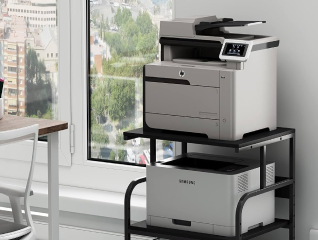
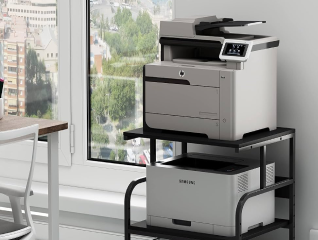
Before scanning documents with a printer, ensure the device is properly connected to a power source and linked to your computer or mobile through cable or Wi-Fi. Place the printer on a stable surface and check that the scanning bed is clean to avoid marks on digital copies. Keep documents flat and free from folds for clear results. Install the required drivers or applications to manage scanned files easily. Prepare enough storage space on your device to save and organise scanned documents efficiently.
Getting your new printer is now budget-friendly. Simply browse the selection of printers on Bajaj Mall. Alternatively, visit any of Bajaj Finance’s 1.5 lakh partner stores in 4,000 cities in India. Choose the product that you like and get Easy EMI and zero down payment offers exclusively with Bajaj Finance’s financing options. Check your loan eligibility and convert the cost of your new printer into Easy EMIs.
Also read: 3D printers