










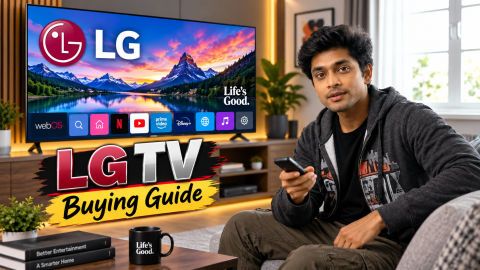
Downloading apps on an LG Smart TV allows access to streaming platforms, games, music, and productivity applications through the built-in LG Content Store. With an internet connection and an LG account, users can quickly install compatible apps and customise their entertainment experience. Keeping apps updated ensures improved security, smoother performance, and access to the latest features.
- Connect the LG Smart TV to a stable Wi-Fi or Ethernet connection before downloading applications.
- Open the LG Content Store from the Home screen to browse or search for compatible applications.
- Select the preferred application and choose Install to download it directly to the television.
- Launch installed apps from the Home screen and sign in where required to access personalised content.
- Keep the TV software and installed applications updated to maintain compatibility and receive new features.
- Free storage space by removing unused apps if installation fails because of insufficient memory.
- LG Smart TVs generally support only apps available through the official LG Content Store for the installed webOS version.
You can also buy a new TV on Easy EMIs at over 1.5 lakh partner stores across 4,000 cities, including Reliance Digital, Croma, and Vijay Sales.











