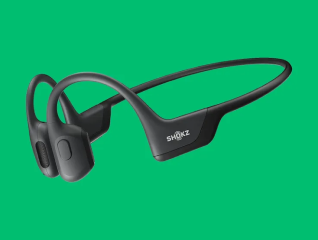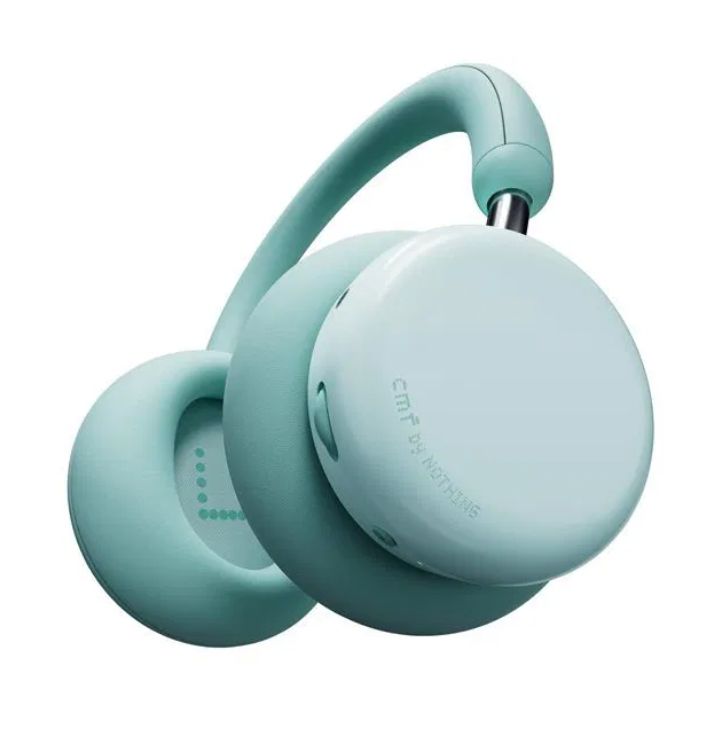

Browse the selection of headphones on Bajaj Mall. Alternatively, visit any of Bajaj Finserv’s 1.5 lakh partner stores in 4,000 cities in India. Choose the product that you like and get Easy EMI and zero down payment offers exclusively with Bajaj Finserv’s financing options.
How to connect a Bluetooth headset to a laptop: A step-by-step guide
Connecting a Bluetooth headset to your laptop is a simple process that enhances your audio experience. Whether you are using it for calls, gaming, or listening to music, following the right steps will ensure a smooth connection. Before starting, make sure that both your Bluetooth headphones and laptop are Bluetooth-enabled and ready for pairing.
Setting up your devices for connection
1. Ensure your headphones with mic are fully charged and in pairing mode.
2. On your laptop, turn on Bluetooth by navigating to settings and enabling Bluetooth.
3. Search for your headphones in the list of available devices. Once found, select your headset to pair and connect.
Advanced tips for a stable connection
Keep your Bluetooth devices within close range.
Remove any interference from other Bluetooth devices.
Ensure the Bluetooth drivers on your laptop are up to date for optimal performance.
Restart both devices if you are facing connectivity issues.
Financing options with Bajaj Finserv
Discover Bajaj Mall where various offers on headphones await. You can read about all the details, features, and specifications of headphones. Once you have gathered all the information you want, head to the nearest Bajaj Finserv partner store and select the headphones you want. Use Bajaj Finserv’s financing options to make the payment.
Benefits of shopping with Bajaj Finserv’s financing options
- Competitive prices: Bajaj Finserv partner stores offer competitive pricing, ensuring that your purchase is budget friendly.
- Easy EMIs: Bajaj Finserv’s financing options simplify buying your preferred headphones.
- Zero down payment: Forget about the hassles of an initial lump sum payment, as select products are covered under the zero down payment policy.
- Options and accessibility: Buying your favourite products has never been this easy. Bajaj Finserv EMI hosts a vast range of products available at our partner stores, across multiple cities.
- Exciting deals and cashback offers: By taking advantage of Bajaj Finserv’s financing options to purchase headphones, you get access to exciting deals and cashback offers.
- Free home delivery: Enjoy the added comfort of home delivery for selected products.
Earbuds
Headphones
Bajaj Finserv App for all your financial needs and goals
You can use the Bajaj Finserv App to:
Apply for loans online, such as Instant Personal Loan, Home Loan, Business Loan, Gold Loan, and more.
Explore and apply for co-branded credit cards online.
Invest in fixed deposits and mutual funds on the app.
Choose from multiple insurance for your health, motor and even pocket insurance, from various insurance providers.
Pay and manage your bills and recharges using the BBPS platform. Use Bajaj Pay and Bajaj Wallet for quick and simple money transfers and transactions.
Apply for Insta EMI Card and get a pre-approved limit on the app. Explore over 1 million products on the app that can be purchased from a partner store on Easy EMIs.
Shop from over 100+ brand partners that offer a diverse range of products and services.
Use specialised tools like EMI calculators, SIP Calculators
Check your credit score, download loan statements and even get quick customer support—all on the app.
Download the Bajaj Finserv App today and experience the convenience of managing your finances on one app.