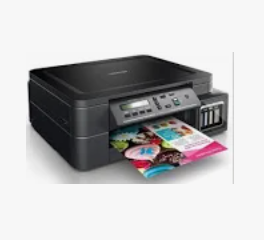
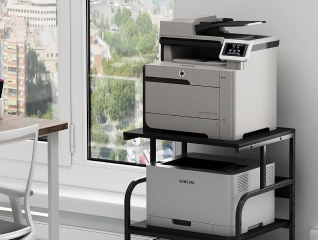
Using a printer involves setting up the device, connecting it to a computer or mobile device, installing the required drivers, loading paper and ink or toner, and selecting print commands through compatible software. Modern printers support USB, Wi-Fi, Bluetooth, and network-based printing for convenient home and office usage. Whether you are printing office documents, school assignments, photographs, invoices, or reports, understanding proper printer setup and maintenance helps improve print quality and operational efficiency. Most printers today also support wireless mobile printing, cloud printing, and multifunction features such as scanning and copying.
If you are looking for a new printer, head to any of Bajaj Finance’s 1.5 lakh partner stores in 4,000 cities in India. Choose your ideal model, pay with Easy EMIs, and enjoy zero down payment on select deals. Simply check your loan eligibility now and bring home your desired printer without worrying about overspending.
What are the printer setup requirements and connection methods
Proper printer setup ensures smooth printing performance, stable connectivity, and compatibility with computers, laptops, and mobile devices across different environments.
• Stable power connection for uninterrupted printer operation: Always place the printer near a stable power source and use a surge protector if possible to reduce risks from voltage fluctuations and power interruptions.
• USB connection for direct printer setup: USB connectivity allows direct communication between the printer and a desktop or laptop for reliable local printing without requiring internet access.
• Wi-Fi connectivity for wireless printing access: Wireless printers support printing from multiple devices connected through the same Wi-Fi network, making them suitable for homes and offices.
• Bluetooth support for mobile printing convenience: Certain compact printers support Bluetooth connectivity for direct smartphone and tablet printing without requiring routers or cables.
• Network and Ethernet connections for office environments: Businesses often use network-connected printers with Ethernet support to allow multiple employees to access a shared printer securely.
• Compatible operating system and software support: Ensure the printer supports your Windows, macOS, Android, or iOS device before installation to avoid compatibility issues.