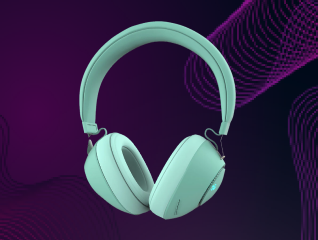
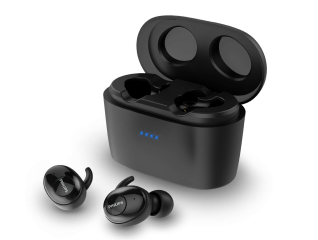
Headphones can occasionally develop connectivity or performance issues. You may notice pairing failures, audio interruptions, unresponsive controls, or syncing problems. In many cases, a simple reset can resolve these issues and restore normal operation. Resetting headphones clears temporary software glitches and allows the device to start fresh. While reset methods vary between models, the basic process is often similar.
Understanding how to reset headphones can help you troubleshoot common problems quickly and improve your listening experience without needing professional assistance.
In the same way, if you are thinking of buying a new electronic appliance, check your loan eligibility first. It helps you understand your budget and narrow down your options. Once you have a budget in mind, explore the latest models on Bajaj Mall. Simply visit any of Bajaj Finance’s 1.5 lakh partner stores in over 4,000 cities, choose the model you want, and convert your purchase into Easy EMIs of up to Rs. 5 lakh. With Easy EMIs and zero down payment on select models, bringing home the right product is simple and stress-free.
When is a reset required
A reset can help when your headphones do not function as expected. Common signs include Bluetooth pairing failures, unstable connections, poor audio performance, or unresponsive buttons. You may also need a reset if the headphones fail to connect to previously paired devices.
Software updates or accidental setting changes can sometimes create temporary issues. Resetting the headphones restores default settings and removes minor software errors. Before attempting more advanced troubleshooting, a reset is often one of the simplest and most effective solutions for restoring normal performance.