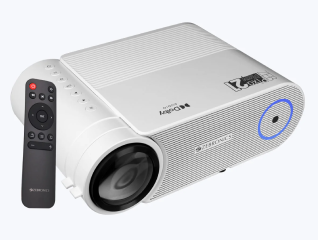
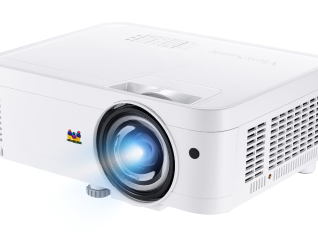
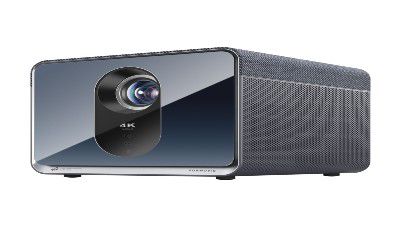
Connecting an iPad to a projector is simple and can be done using either wired or wireless methods, depending on the projector type. The most common wired option is using a Lightning or USB-C to HDMI adapter, which connects your iPad directly to the projector for a stable display. Once connected, select the correct HDMI input on the projector, and your iPad screen will be mirrored instantly. For wireless connection, you can use Apple AirPlay if your projector supports it or if you have an Apple TV connected. Ensure both devices are on the same Wi-Fi network, then select the projector from the Screen Mirroring option in the iPad’s Control Center.
Explore projectors at any of Bajaj Finance’s 1.5 lakh partner stores in 4,000 cities in India. Choose your ideal model, pay with Easy EMIs, and enjoy zero down payment on select deals. Simply check your loan eligibility now and bring home your desired product without worrying about overspending.