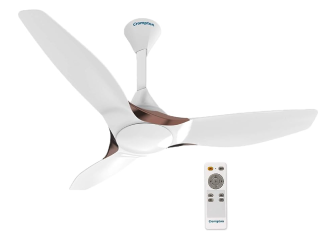
A desk fan collects dust and dirt over time. This build-up can reduce airflow, create noise, and affect performance. Regular cleaning helps your fan run efficiently and keeps the air around you cleaner. The good news is that cleaning a desk fan is simple and requires only a few basic tools. By following the correct steps, you can remove dust safely and keep your fan in good condition for longer. Understanding how to clean a desk fan properly can also help extend its lifespan and improve everyday comfort.
If you are thinking of buying a new electronic appliance, check your loan eligibility first. It helps you understand your budget and narrow down your options. Once you have a budget in mind, explore the latest models on Bajaj Mall. Simply visit any of Bajaj Finance’s 1.5 lakh partner stores in over 4,000 cities, choose the model you want, and convert your purchase into Easy EMIs of up to Rs. 5 lakh. With Easy EMIs and zero down payment on select models, bringing home the right product is simple and stress-free.
Preparation and safety steps
Before you begin cleaning, take a few safety precautions. Always switch off the fan and unplug it from the power source. Allow the fan to come to a complete stop before handling any parts. Gather cleaning supplies such as a soft cloth, a small brush, mild detergent, and a screwdriver if needed.
Place the fan on a stable surface with enough space to work comfortably. Read the user manual if your fan has specific cleaning instructions. Proper preparation helps prevent damage to the fan and ensures a safer cleaning process from start to finish.