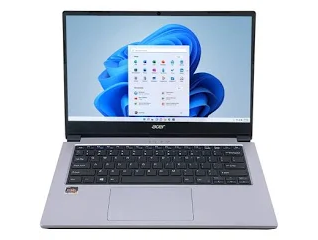
The most useful questions focus on multitasking, Samsung ecosystem features and connectivity because these are key practical aspects of the Galaxy Book4.
Is 16GB memory enough for multitasking on the Samsung Galaxy Book4?
The 16GB LPDDR4X configuration is suited to users who keep several applications open at the same time. It can accommodate typical combinations such as a browser, word processor, spreadsheet, video call and communication application more comfortably than an 8GB configuration. The memory is onboard, so you should select the required capacity when buying rather than assuming a simple memory upgrade later. The 512GB NVMe SSD complements the memory by providing fast storage for applications and files.
Can the Samsung Galaxy Book4 connect with Samsung Galaxy phones?
Yes, compatible Samsung Galaxy devices can connect with the Galaxy Book4 through features such as Quick Share, Multi Control and Phone Link. You can transfer files, access selected phone content, use your phone as a connected camera and control supported Galaxy devices from the laptop. This makes the laptop particularly useful if you already use compatible Samsung devices and want a more connected workflow rather than treating the laptop and phone as separate devices.
Is the Samsung Galaxy Book4 suitable for office work and study?
Yes, the 15.6-inch Full HD anti-glare display, Intel processor options, SSD storage and Windows 11 Home make the Galaxy Book4 suitable for common productivity tasks. The 16GB configuration is better suited to users who frequently switch between several applications, while the 512GB SSD provides space for documents, software and everyday files. The 1.55 kg weight also makes it practical for carrying between home, office and college.